


 qBittorrent, free and reliable P2P bittorrent client, reached the new
major 4.0.0 release a few days ago with many new great features and
numerous bug-fixes.
qBittorrent, free and reliable P2P bittorrent client, reached the new
major 4.0.0 release a few days ago with many new great features and
numerous bug-fixes.qBittorrent 4.0.0 features:
- Change qbittorrent logo.
- New icon theme with SVG source
- Drop Qt4 support.
- UI for managing locally banned IP list
- Support for specifying where to save/load config files. Support for portable mode.
- Possible to pass options via ENV variables
- Implemented share limit by seeding time
- Enable drag n drop to create torrent on mainwindow
- Use the system icons for each file type in the Content tab
- Add show/hide statusbar option
- Linux: Allow custom tray icons when system icon theme is used
- And so many other changes.
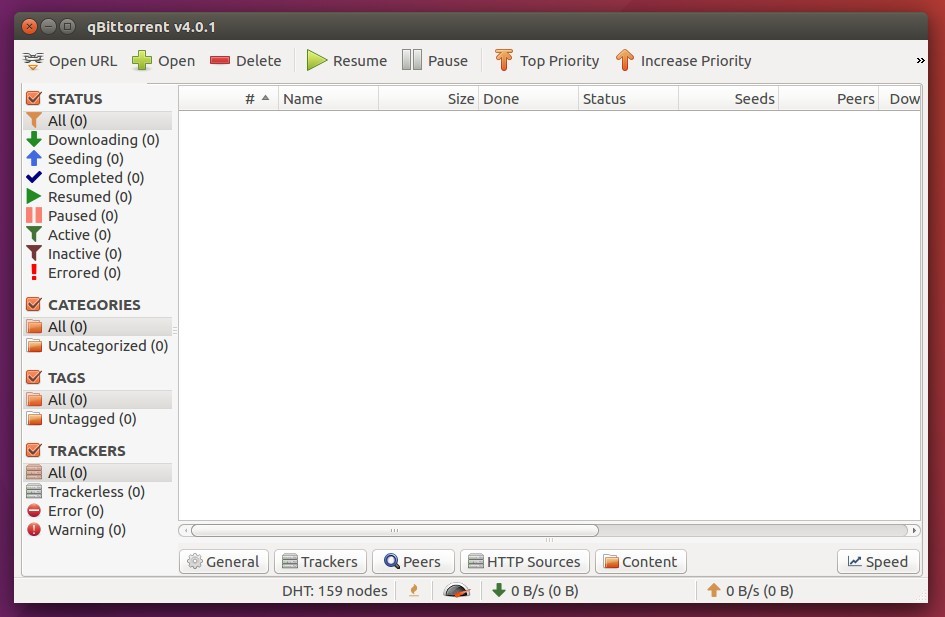
How to Install qBittorrent 4.0 in Ubuntu:
The qBittorrent stable PPA contains the latest packages for Ubuntu 16.04, Ubuntu 17.04, Ubuntu 17.10, and Ubuntu 18.04.Open terminal either via Ctrl+Alt+T or by searching for ‘terminal’ from app launcher. When it opens, do:
1. Run command to add the PPA repository:
sudo add-apt-repository ppa:qbittorrent-team/qbittorrent-stableType your password (no visual feedback while typing) when it prompts and hit Enter.

2. Then upgrade qBittorrent via Software Updater if you have a previous release installed.

or run following commands one by one to check updates and install / upgrade the bittorrent client:
sudo apt-get updatesudo apt-get install qbittorrentUninstall:
You can easily remove the PPA repository via Software & Updates utility under Other Software tab.To remove qBittorrent, either use your system package manager or run command:
sudo apt-get remove --autoremove qbittorrent


